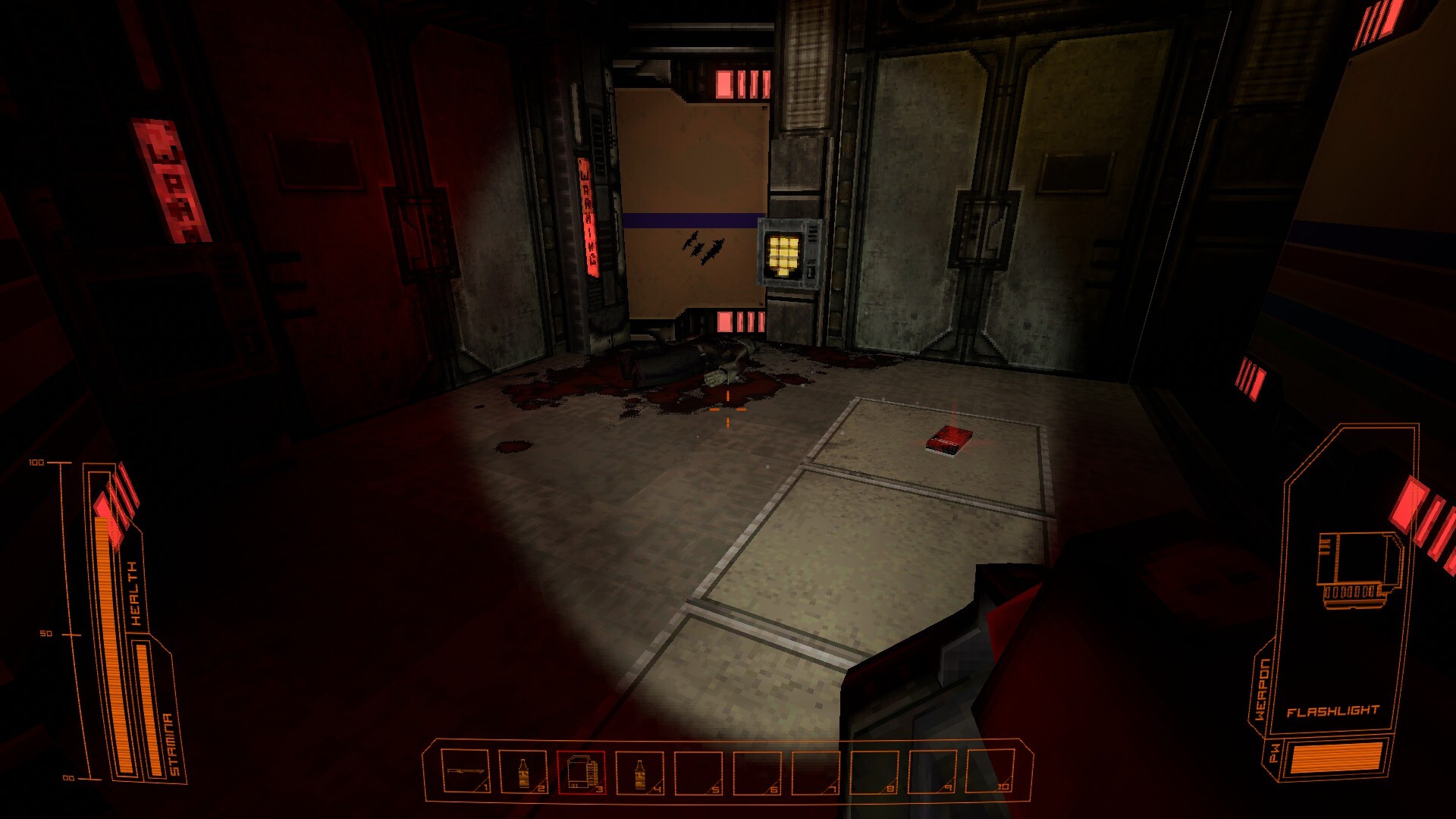
Five defect classes are reported in the current Early Access build: enemy and door audio masked by ambience, raptors that register hits in the wrong place or clip corners while pathing, pickups that vanish into corpses and walls, a jerry can that launches across the room when your inventory is full, and the A Stranger quest re-triggering and duplicating journal and files entries. No developer-confirmed fix has been published for any of them, so treat these as the game's fault rather than yours.
More context
The evidence is player-side: Steam Discussions threads titled Audio error?, Knockback bug and Hud flickering on a board that was already 54 topics deep hours after launch, plus a detailed playtest-feedback post listing the specific defects below. The Early Access roadmap announcement invites exactly this kind of report through Steam Discussions and Discord.
On this page
Match What You Saw
| What you saw | Where it shows | What to do now |
|---|---|---|
A raptor or a moving door is inaudible until it is already on you | Loud-ambience corridors | Check sightlines and door frames instead of waiting for the sound. |
A hit lands outside the body you can see, or red hitbox bubbles show on a raptor | Reported on a small raptor in the Main Atrium on F1 | Change angle and re-engage rather than adding damage. |
A raptor stops dead at a wall or clips a corner instead of rounding it | Corridors and corners in the shipped build | Break line of sight before it reaches the corner. |
A pickup is gone or half-buried, such as a crossbow bolt lost into a corpse clipping a wall | Bodies and wall edges | Loot before you shoot across a corpse; treat wedged pickups as unrecoverable. |
A jerry can launches across the room when you pick it up | Only while your inventory is full | Free a slot before picking it up. |
A Stranger re-triggers and adds duplicate Journal and Files entries | The helipad room | Leave the room once the objective resolves; save before re-testing it. |
Enemy and Door Audio Can Be Masked
Ambience in the SAIR facility is loud enough to swallow the sounds you need most. Players report enemy and door audio masked by ambience, and an Audio error? thread was active within hours of launch.
Until that changes:
- Do not read silence as safety. Check sightlines and door frames instead of waiting for footsteps.
- Move slowly through the noisiest rooms. The ambience masks your own steps as thoroughly as theirs.
- If a door should have moved and you never saw it move, go and look at it.
The reports describe the cue itself going missing, so a volume change will not restore it. The visual check is the substitute.
Raptor Hitboxes and Corner Pathing
One report describes red hitbox bubbles appearing on a small raptor in the Main Atrium on F1, and the Early Access scope coverage independently notes AI pathfinding and collision glitches around corners in the shipped build.
What that changes in a fight:
- Change your angle rather than adding damage. If your hits register outside the body you can see, more bolts will not help.
- Keep corners out of it. Anything that forces a raptor to path around a tight corner is where it stops and clips.
- Expect knockback to be unreliable, with a dedicated Knockback bug thread open in the same first-day board. Plan the next action on the assumption that you will end up closer than you intended.
Pickups That Vanish or Fly
Two related pickup failures are reported in the build.
- Corpses clip into walls, so crossbow bolts fired into a body disappear with it.
- A jerry can prop-flies across the room when your inventory is full.
Practical rules:
- Loot before you shoot across a corpse. Bolts that vanish into a body are not recoverable.
- Free a slot before lifting a heavy prop. A full pack is the documented trigger for the flying jerry can.
- If an item is wedged into a corpse or a wall edge, move on. Searching it costs the time you were trying to save.
The separate ammo caveat still applies on top of this: scavenged ammo boxes failing to top up the magazine is another reported symptom, so do not plan a route that assumes a box refills you.
The A Stranger Quest Loop
Players report that A Stranger re-triggers in the helipad room and duplicates the Journal and Files entries each time. If your journal grows repeated lines for an objective you have already finished, that is the bug rather than a second quest.
What to do:
- Leave the helipad room as soon as the objective resolves, so the trigger cannot fire twice in one visit.
- Save at the nearest save machine before entering, so a duplicated state is cheap to compare against a clean run.
- Ignore the repeated entries in the Journal and Files views. They do not point at a second objective.
Treat the helipad as a navigation landmark rather than a quest destination — the room is still worth using to orient yourself.